


The adjust menu lets you determine the MIDI channel(s) used, as well as which MIDI message is sent by which key axis motion or controller.
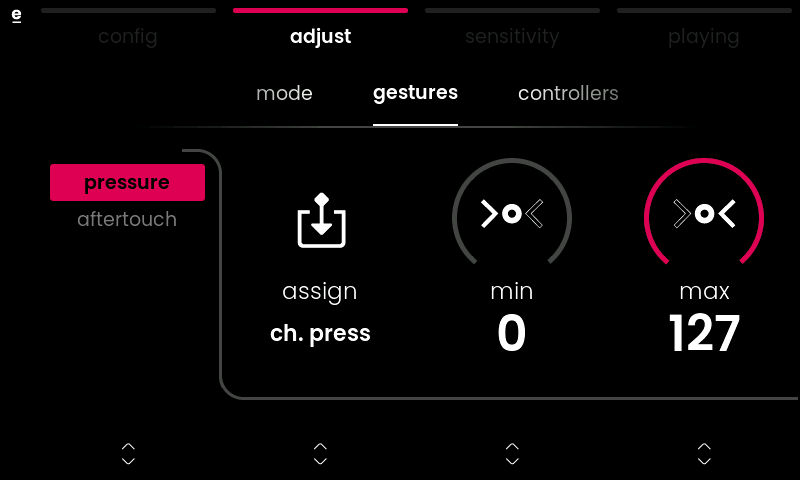
gestures tab : set what MIDI message is sent by the pressure and aftertouch axes
controllers tab : set what MIDI message is sent by the mod slider and the two pedals
mode tab : choose the MIDI configuration and MIDI channel(s) used
gestures tab
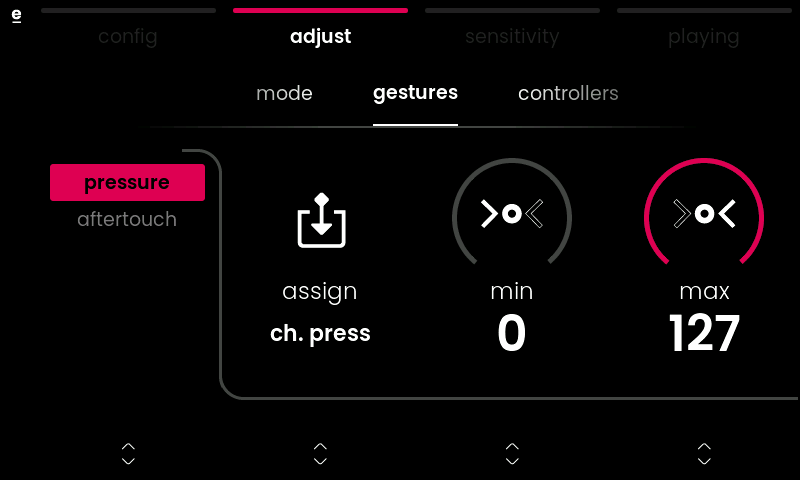
This tab sets what is sent by the pressure and aftertouch axes. First, select pressure or aftertouch with Value Encoder 1, then change its parameters with Encoders 2 to 4:
assign selects the MIDI message sent for the axis motion selected on the left.
min sets the minimum value
max sets the maximum value
activation defines how the value of an axis motion is calculated for scenarios where only one value is sent for the entire keybed instead of per note. The parameter is only displayed if a mono-channel configuration like ‘classic keyboard‘ or ‘poly aftertouch‘ has been selected in the config menu. Options are:
- maximum: the most-pressed key defines the value
- minimum: the least-pressed key defines the value
- last note: the key you pressed last defines the value
- first note: the ‘oldest‘ key that is still held defines the value
- average: the value sent is calculated as an average of all pressed keys
controllers tab
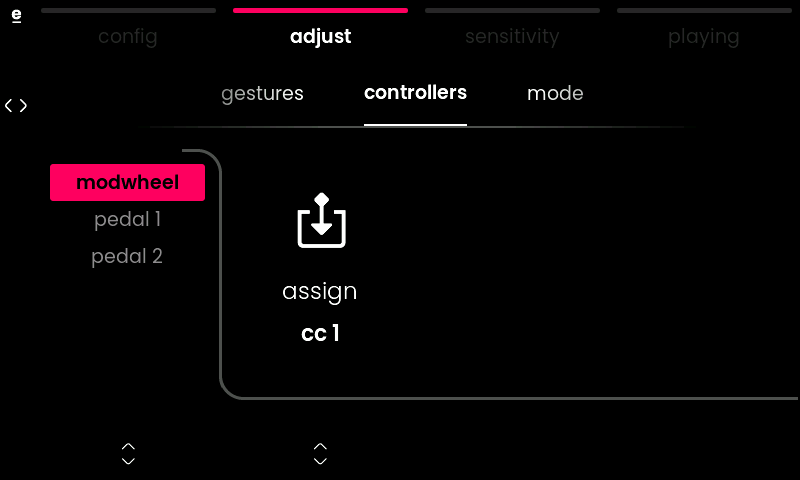
This tab defines what is sent by the mod slider and the two pedals.
First, select the controller with Encoder 1, then change its parameters with Encoder 2:
assign selects the MIDI message sent by the controller on the left
min sets the minimum value
max sets the maximum value
mode tab
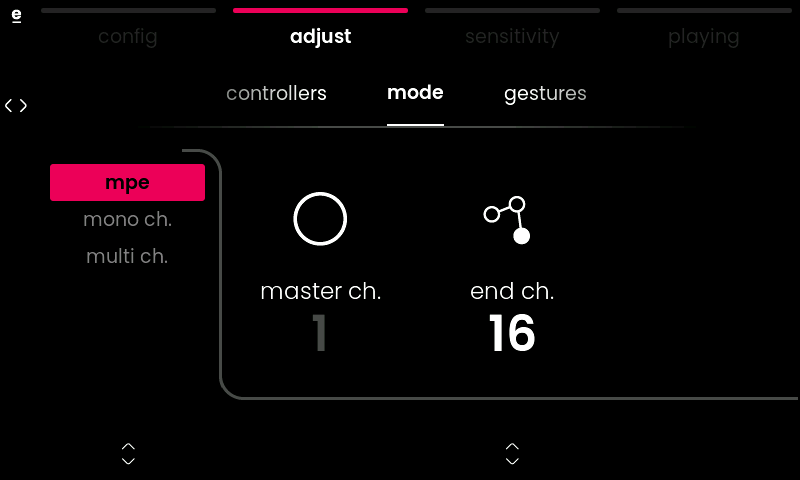
This tab allows you to determine the general MIDI mode and how MIDI messages are distributed across MIDI channel(s) within that mode. It is used to refine the configuration you choose within the config menu when the external software or hardware you wish to control requires it. Find possible adjustments below:
mpe
Lets you define the end channel for the ‘mpe’ configuration. The master channel for global messages must remain 1 as per the MPE specification, but the end channel parameter allows you to reduce the channels used for transferring single notes, e.g. when your target device only has limited polyphony.
ℹ Example: When setting the end channel to 13, notes are distributed in a round-robin pattern across channels 2 to 13, resulting in 12 voices of MPE polyphony.
mono ch.
Lets you define the single channel on which notes are sent for legacy MIDI configurations like the ‘classic keyboard’ and ‘poly aftertouch’ configuration.
multi ch.
Lets you define the start and end channel for the ‘multi-channel’ configuration.
ℹ Example: When selecting start channel 4 and end channel 9, notes will be sent in a round-robin pattern across channels 4, 5, 6, 7, 8, and 9, leaving you with 6 notes polyphony.

