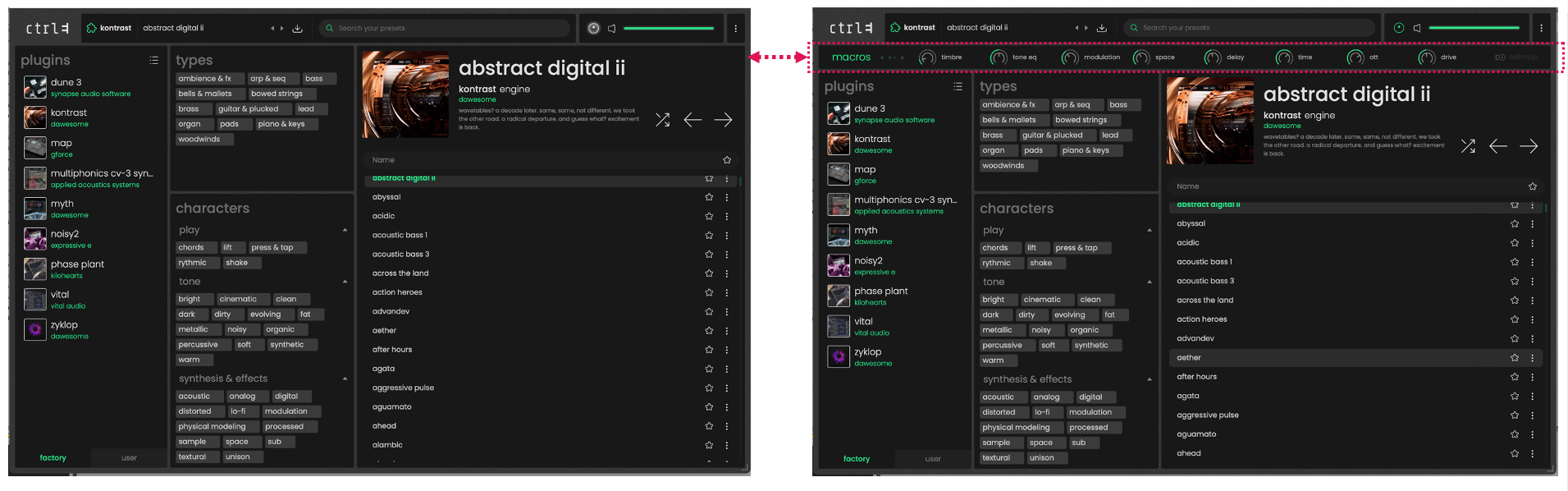
ctrl-e macros tab

Sep 23, 2026
7

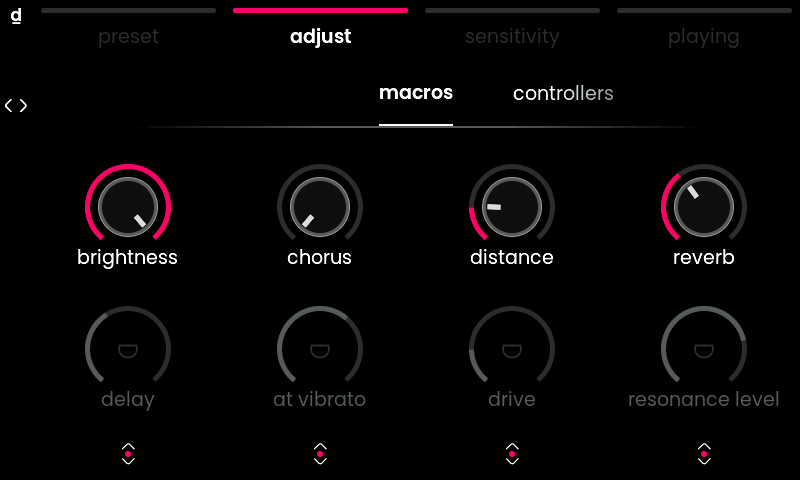
Press menu button 2 (adjust menu) to reveal a bank of 8 macros. These allow for quick control of the macros inside Ctrl-e. Scroll encoders 1-4 left or right to adjust the parameters, click to toggle between the top (1-4) and bottom (5-8) macros.
When you are on this macro tab, pressing and re-pressing menu button 2 will show or hide the macro bar in Ctrl-e’s browser view.