


When Ctrl-e mode is active, the sensitivity menu works the same way as in External MIDI mode. For more information, see the External MIDI mode sensitivity menu section.
However, an additional Ctrl-e sensitivity tab is available. This tab lets you update the default sensitivity settings that are loaded each time you select a Ctrl-e track.
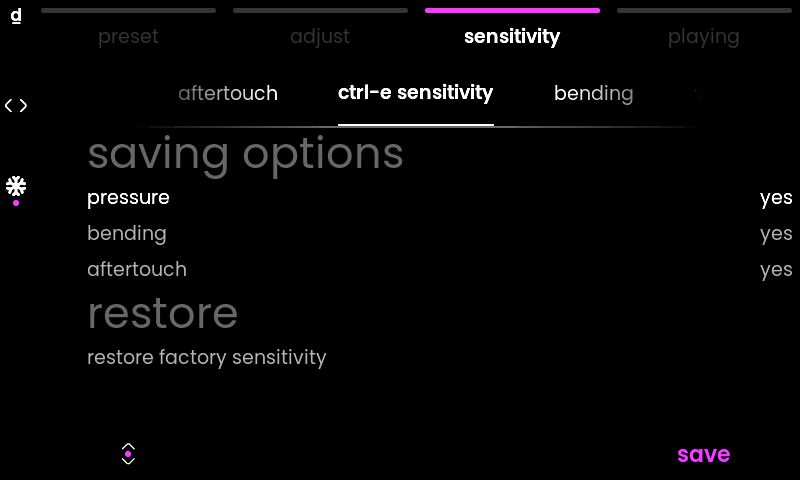
saving options
The saving options define which parts of your current sensitivity setup will be saved.
Set pressure, bending, or aftertouch to yes if you want the current settings of these tabs to be saved in the new default sensitivity setup.
Set an option to no if you want that tab to be ignored during the save operation.
restore
restore factory sensitivity restores the factory default Ctrl-e sensitivity settings.

