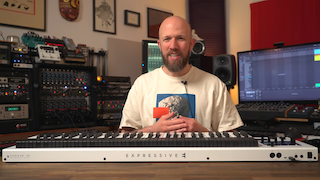
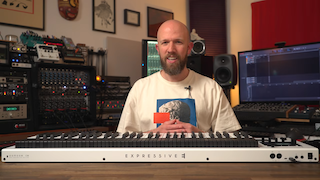
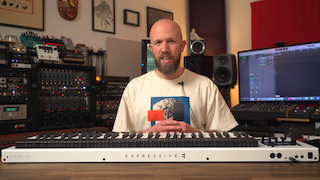
box contents
1x Osmose CE expressive MPE/MIDI controller
1x quick start sheet with serial number
1x product safety manual. Please read it before using Osmose CE.
1x USB C cable
powering your osmose ce
Osmose CE is delivered without a power supply. If your computer has a USB C port, then this will be enough to transmit both data and power using the cable included in the box. If your USB host device (computer) only has USB 2.0 ports available, or if you wish to use the device standalone, you must provide the power from a USB power supply like a USB C smartphone charger (separately available, 3.0A minimum). Connect it to the dedicated USB C power input on Osmose CE, see rear panel for the correct port. You will then need a separately available USB A to C cable for USB MIDI/data transfer to your USB 2.0 host (computer).
keyboard calibration
The rest position of Osmose CE’s keys is calibrated while the unit is booting. Please make sure nothing is touching the keys during this step.
maintain the keybed’s longevity
The augmented keyboard action’s unique playing feel is attained mainly by silicone cylinders below each key. While the material is designed to last numerous years without deteriorating, you will need to ensure that the cylinders can always revert to their uncompressed, idle position after being pressed.
☝️Do not stow away your Osmose in a way that permanently compresses its keys, or you will risk the cylinders underneath losing their elasticity and needing to be replaced.
register your device
In order to get access to all Osmose-related download links like the up-to-date firmware, and to retrieve your license for the companion app Ctrl-e, please enter the serial number from the quick start sheet that came with your unit on the product registration page of your Expressive E user account. The serial number is also available in the global settings > info tab on your Osmose CE.
Please contact our commercial support team if your unit has already been registered with another account and the former user forgot to unregister their unit.
firmware update
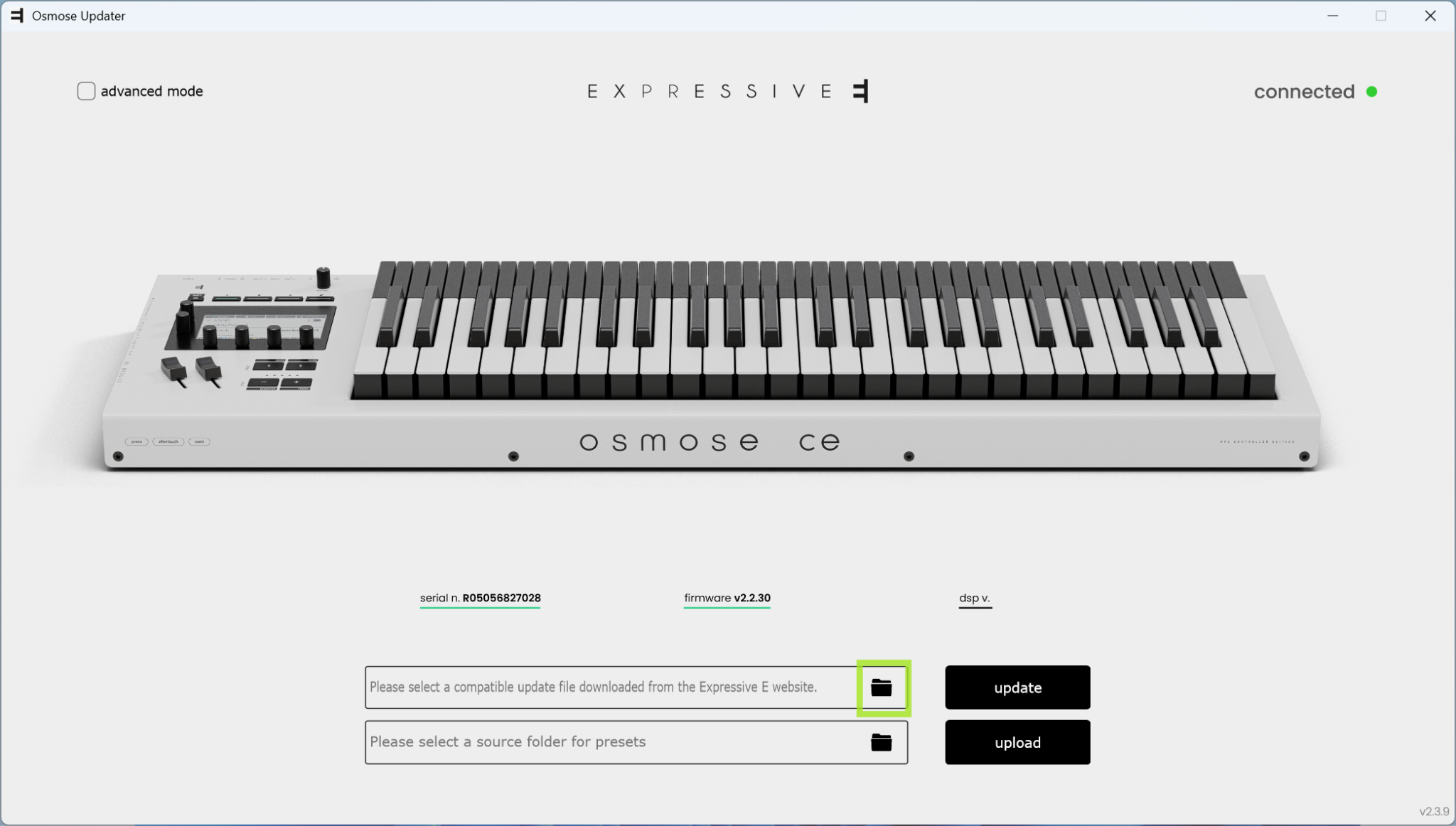
We always recommend installing the latest available firmware on your device.
The firmware download comes bundled with the application OsmoseUpdater, which is used to back up/restore user data and update Osmose CE’s operating system.
The download is available in your customer account after registering your product on our website. For detailed instructions, please refer to this dedicated document:
helpful videos
overview video
To gain an overview of Osmose CE’s functions, we recommend watching:

daw control introduction videos
For an introduction to Osmose CE’s DAW Control mode please watch:
|
|
|
|
|
|