You are using an unsupported browser. Please update your browser to the latest version on or before July 31, 2020.
You are viewing the article in preview mode. It is not live at the moment.
Home > Osmose & Osmose CE > Osmose CE manual > 4. Global Settings > calibration tab - pedal calibration
calibration tab - pedal calibration
print icon

pedal compatibility and recommendations

There is no established electrical norm for pedals in the industry, so only a selection of pedals will work well with Osmose CE. Here are the ones that we found to work fine:


Behringer FC600 [RTS assignment]
Clavia Nord Single Sustain

Dunlop Volume X Mini

Korg XVP-10

Lead Foot LFD-2

Moog EP-3 [mode: other, knob at max.]

M-AUDIO SP-2

M-AUDIO EX-P [mode: other, knob set low]

Nektar NX-P Universal Expression Pedal [switch set to ‘2‘]

Roland DP-10 [Switch]

Yamaha FC3A

Yamaha FC4A

Yamaha FC7


Please don’t hesitate to share a recommendation with us if you find a pedal that works great but isn’t on the list yet. 

pedal calibration procedure
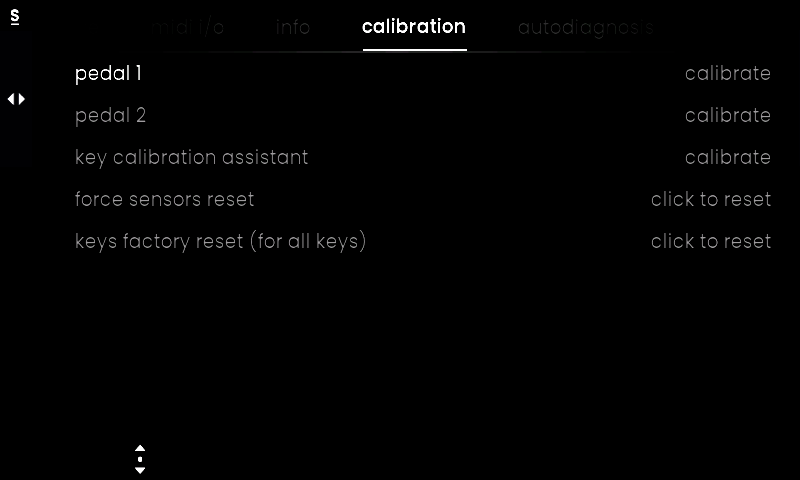
Turn Encoder 1 to select ‘pedal 1’ or ‘pedal 2’, depending on which pedal input your pedal is connected to, and then click it to start the calibration process.


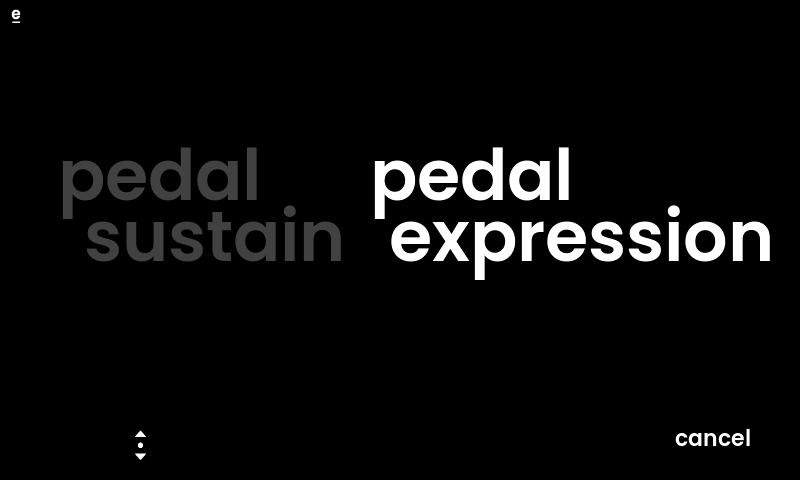
1) Select whether you have connected an on/off switch (pedal sustain) or a continuous or half-damper pedal (pedal expression).


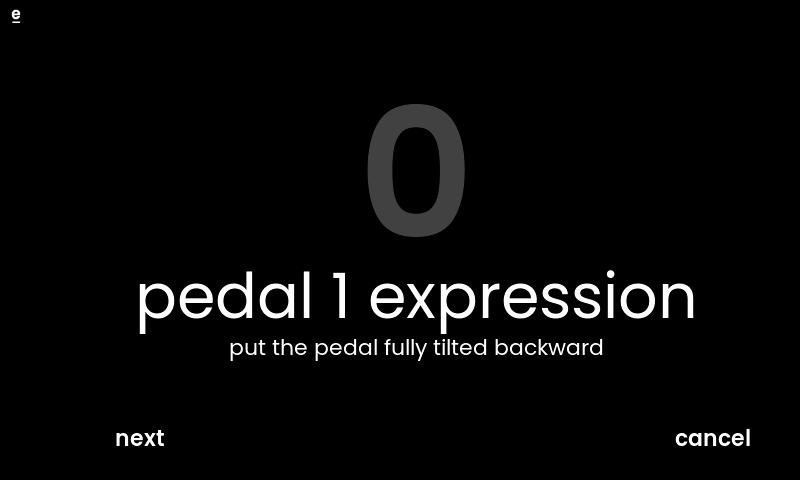
2) Make sure your pedal is at the minimum position (or not pressed for on/off switches), then press ‘next’.


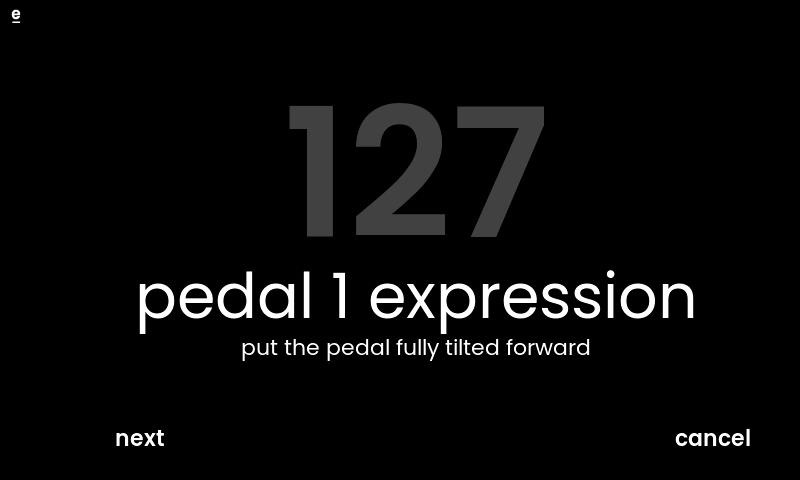
3) Make sure your pedal is at maximum position (pressed for on/off switches), then press ‘next’.


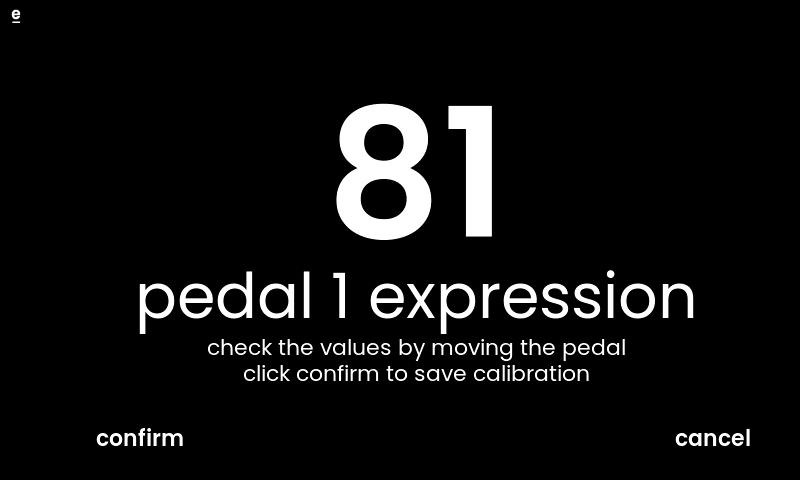
4) The last page of the calibration process lets you check whether you are able to go through values from 0 to 127 smoothly. Click on ‘confirm’ if all is okay.


Feedback
0 out of 0 found this helpful

scroll to top icon