

How can I deactivate a license from my computer?
Last updated: Aug 16, 2026
2743
views

There are multiple reasons why you would want to deactivate a plugin or sound expansion license from one of your locations:
- You plan to abandon / sell the machine and upgrade to a new one.
- You need another free activation because you have already used up all three activation slots.
- You want to return the software within our 30 days period (What is your return policy for software products?).
To deactivate your license from a location, you will need the application "iLok License Manager":
- If you don't have it yet, download iLok License Manager from here and install it.
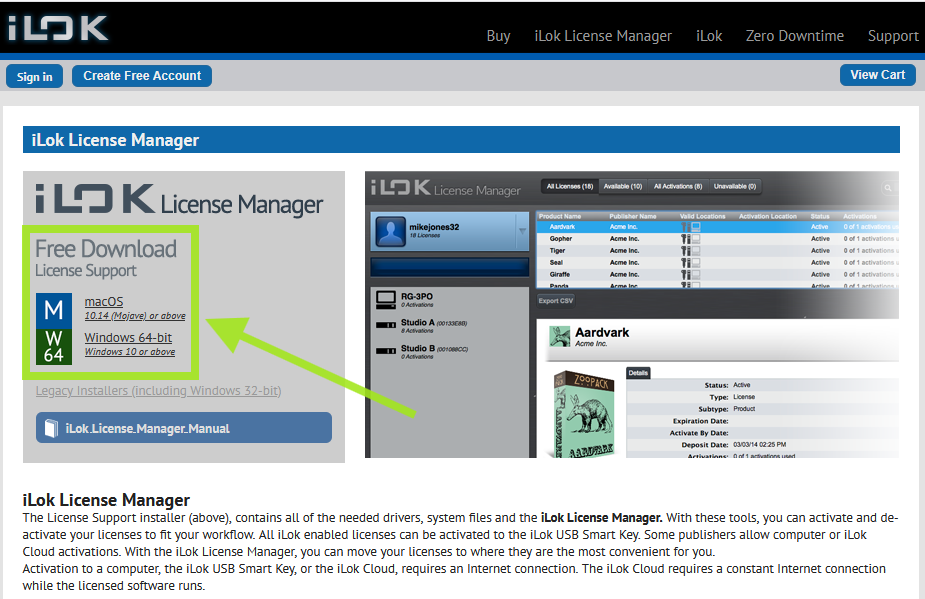
- Launch iLok License Manager and select the icon of your local computer from the list on the left side. You can also select an iLok dongle if one is plugged into your computer.
- Select the license and choose "Deactivate". If you have linked your license to your iLok account, you will need to sign in to your iLok account to complete this step.

