

global settings overview

Sep 23, 2026
4

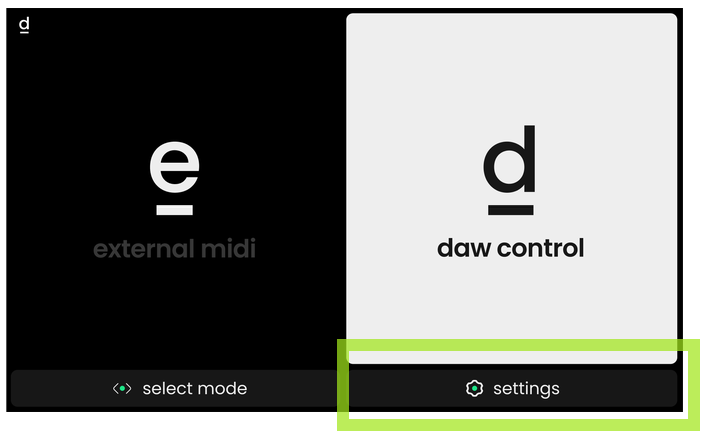
The global settings are accessible via the main menu screen. Enter the settings menu by pressing the Mode button, then Encoder 4 below the screen (the one below the on-screen cogwheel (⚙️). If you’re currently in DAW Control mode, you can press and hold the Mode button and click Encoder 1 to go to the main menu, and open the settings from there.
To exit the settings menu, press the Mode button. If you’ve made any changes you will get a confirmation message that your settings have been saved.

