When connected to a Mac computer, Osmose relies on the "MIDIServer" process of macOS to run in the background, in order to make new DAW-related features of firmware 2.3 work. You can launch Activity Monitor on your Mac and search for "MIDI" to verify whether this process is running or not.
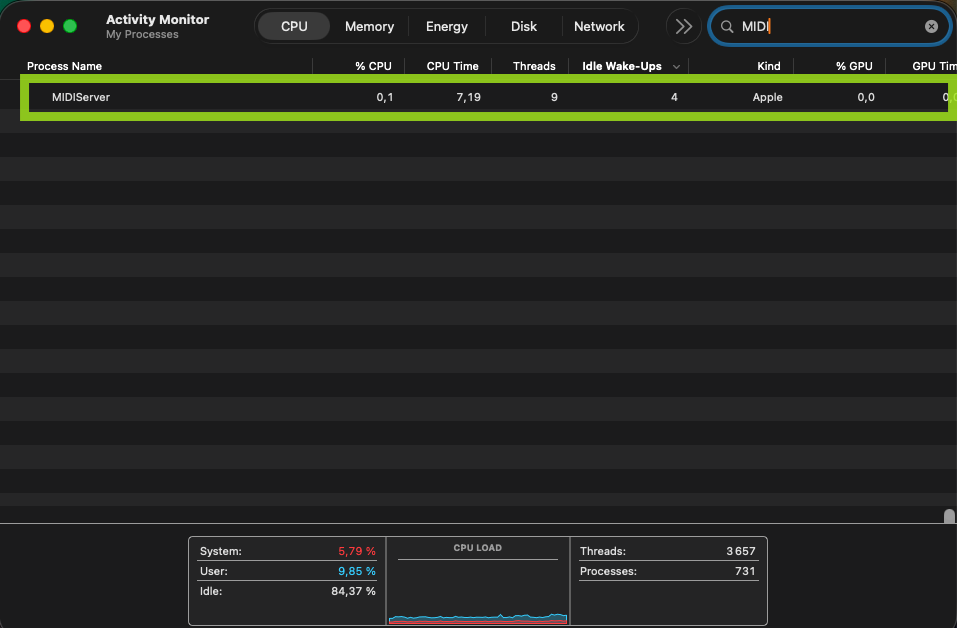
At some occasions, when no other background process or application on your Mac is calling for the MIDIServer, macOS may terminate the process, causing Osmose to become unresponsive while it is connected to your computer with its USB cable. To check whether you are confronted with this specific issue, try unplugging the USB cable of Osmose or open any MIDI application or DAW on your Mac. Osmose should become unblocked and work normally again.
To fix the issue permanently, please download the Osmose MIDI driver for macOS. It will make sure macOS never terminates the MIDIServer process.
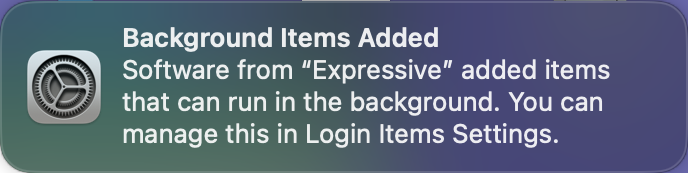
Unpack the ZIP file and run the *.pkg installer. You will need to allow that the driver runs permanently as a background service. This notification confirms that the background item was added during installation:
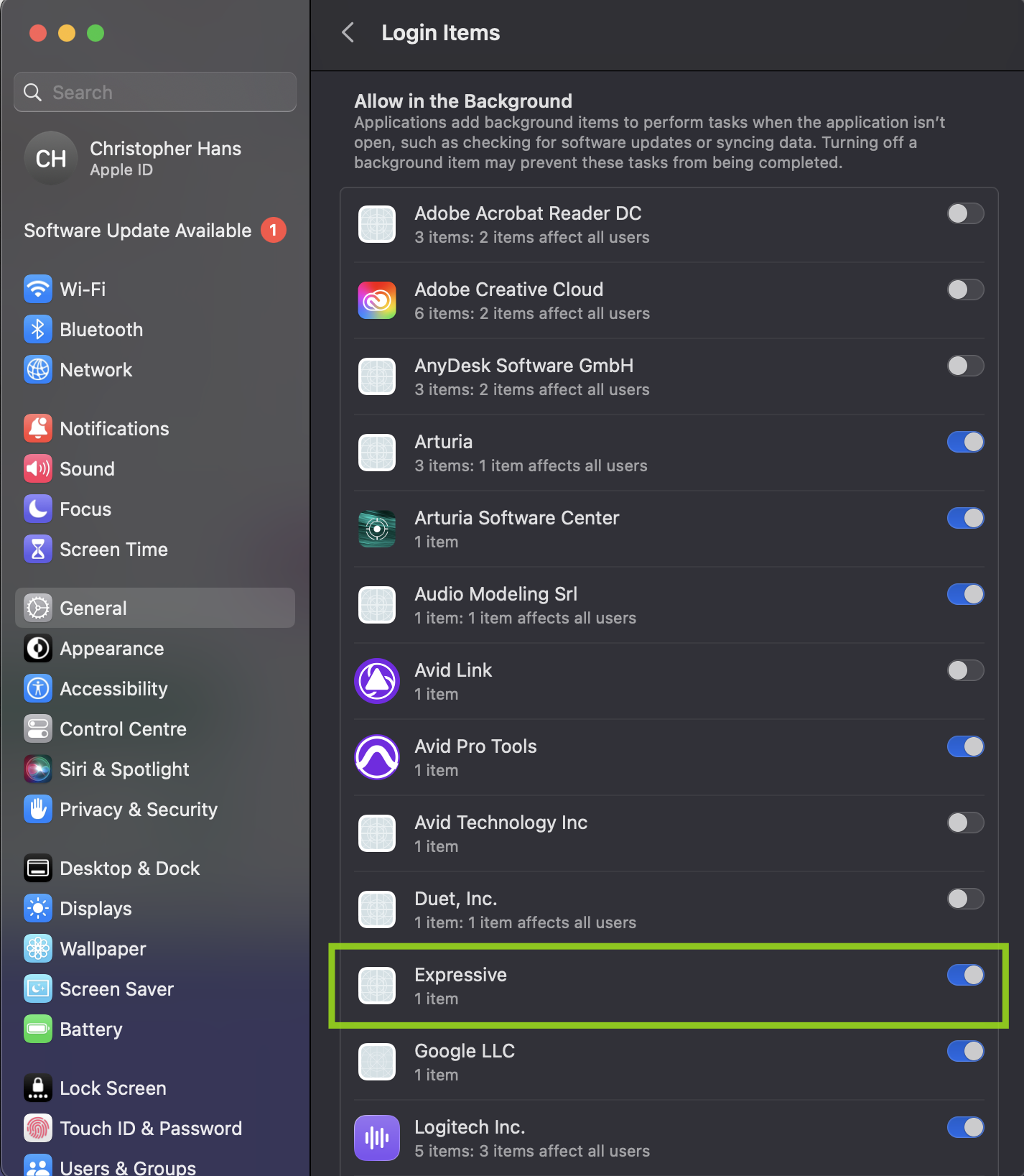
After this, an application called "Expressive" should be listed and allowed in your "Login Items" list (Settings -> General -> Login Items). It will make sure the Osmose MIDI driver remains active at all times and thus ensure smooth operation of your Osmose when connected to your Mac.