


selecting the mode
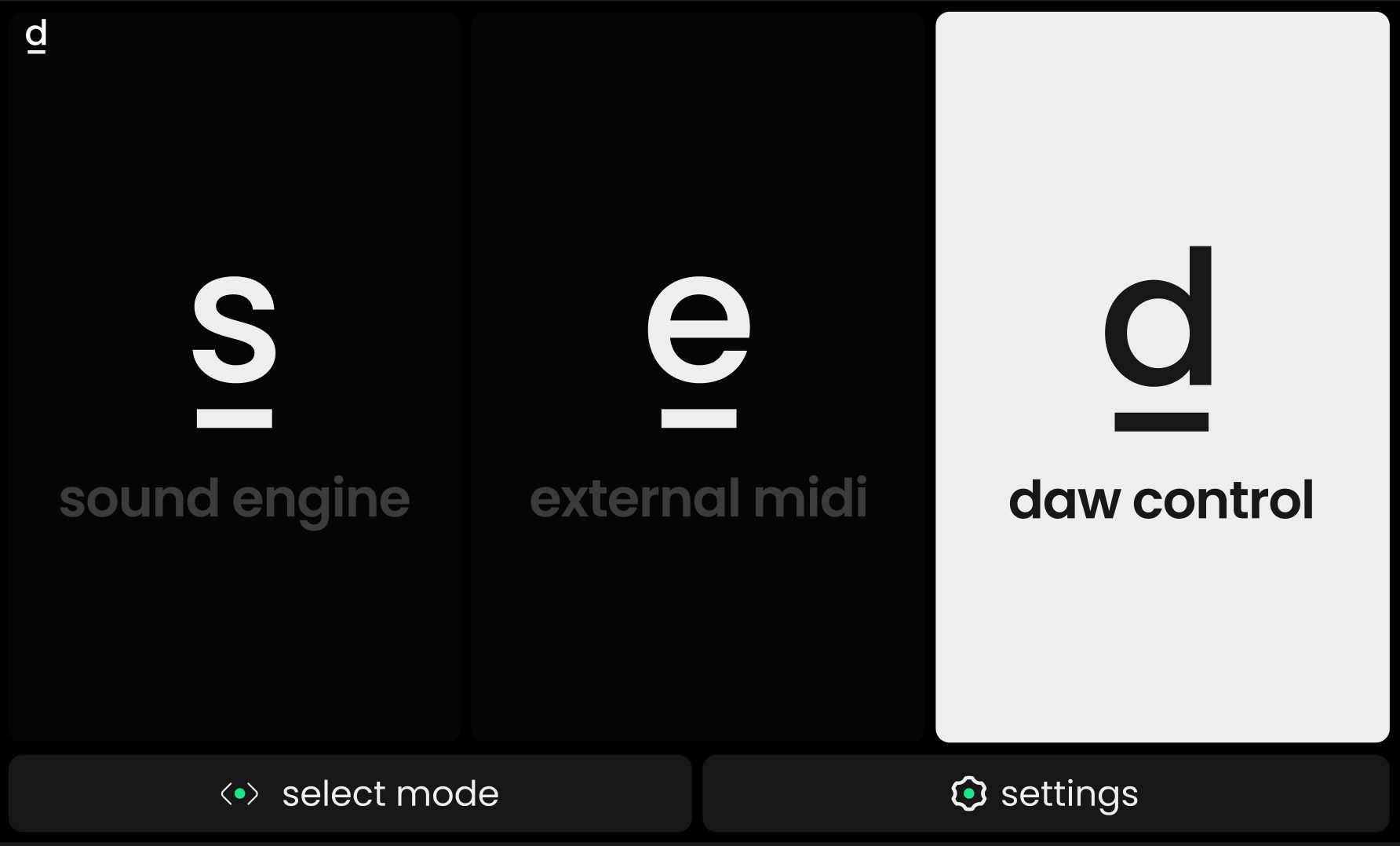
Press the MODE (m) button, then turn and press Value Encoder 1 to switch between controlling the internal Haken Audio EaganMatrix sound engine and configuring the behavior of the External MIDI mode. When a compatible DAW is detected on the computer Osmose is connected to, a third DAW Control mode is offered.
When DAW Control mode is active, the main menu is only accessible via the bottom action bar (hold SHIFT).
ℹ️Sound Engine mode and External MIDI mode / DAW Control Mode will always run in parallel. Selecting a mode only decides which mode you would like to access and configure.
A symbol in the upper left corner of the display will indicate the currently selected mode at all times:
s e d
open global settings
Pressing Value Encoder 4 (below the cogwheel symbol ⚙️) in the Mode Selection screen opens the global settings of Osmose. They allow you to change the global tuning, calibrate pedals, display the firmware versions, change the screen brightness, etc.
For more information, refer to the global settings chapter.

